MP3 Downloader — User Manual
What is the MP3 Downloader?
The Mazmazika MP3 Downloader turns a YouTube or SoundCloud link into a clean MP3 you can save to your device — usually in about a minute. Paste a link, pick a quality, and download. Everything runs through Mazmazika; there's nothing to install.
Before you start
- Set it up freely; sign in to download. You can paste your link and choose a quality as a guest. When you click Download MP3, a Google sign-in opens right on the page — and the moment you're signed in, the download you set up runs. You never leave the page, and you don't have to paste the link again.
- Free vs. Pro. Free accounts get a limited number of downloads per day. The bar above the tool shows how many you have left today, or unlimited access on a paid plan. Pro also raises the length limit and skips the queue.
Downloading a track
Open the MP3 Downloader from the sidebar. On the Download MP3 tab:
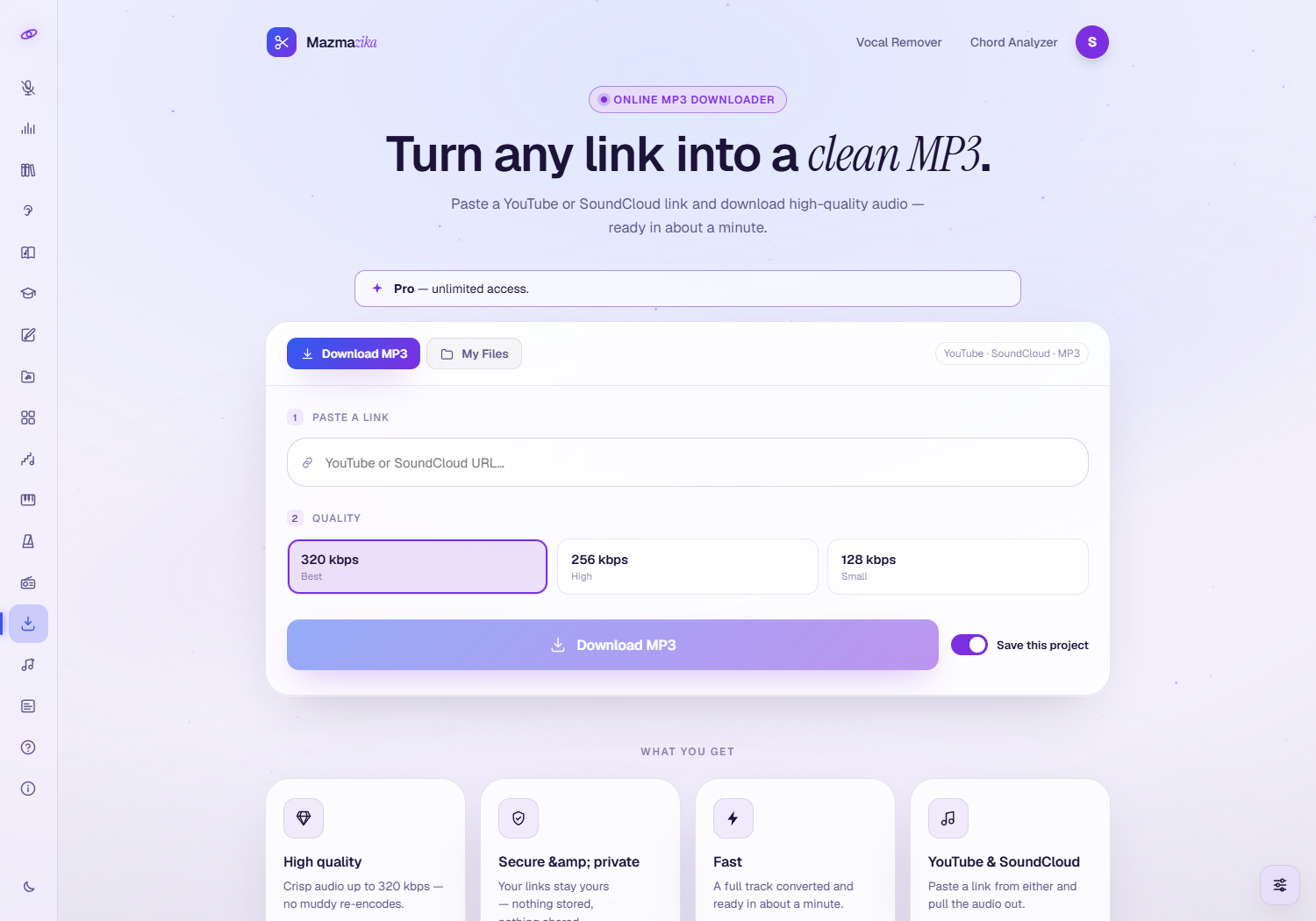
- Paste your link — a YouTube or SoundCloud URL.
- Choose a quality — 320 kbps (Best), 256 kbps (High) or 128 kbps (Small, for a lighter file). 320 is selected to begin with.
- Save this project keeps the download in My Files for later. It's a paid-plan feature: on a free account the toggle opens an upgrade panel instead.
- Click Download MP3. A progress ring shows while the audio is fetched and converted; when it's ready, the MP3 downloads to your device automatically.
Waiting in the queue
Only so many tracks can be converted at once, so at busy times your job waits its turn. The page tells you where you stand — how many people are ahead of you — and starts by itself when a slot frees up. Just leave the page open. Pro members skip the line and go straight to processing.
My Files — your saved downloads
The My Files tab holds the downloads you chose to save.
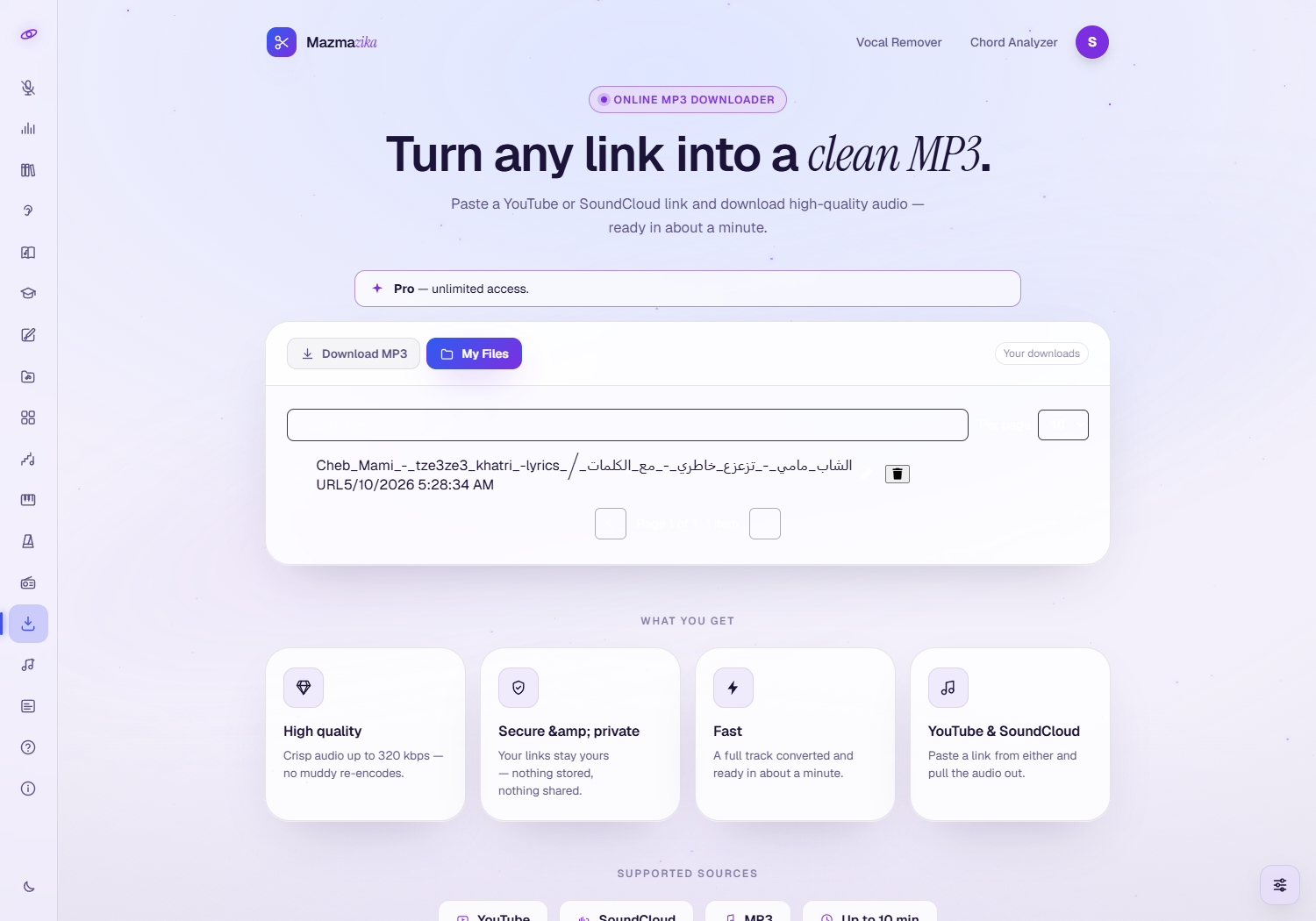
- Click a track to grab it again, without re-processing.
- Rename entries and delete ones you no longer need.
Both saving and browsing this list are part of a paid plan. On a free account the tab shows a locked panel; signed out, it offers a Sign in button instead.
Supported sources & limits
| Input sources | YouTube links, SoundCloud links |
| Output format | MP3 at 320, 256 or 128 kbps |
| Maximum length | 4 minutes on a free account, 15 minutes on Pro |
| Typical time | About a minute for a normal-length track, plus any queue wait |
Tips
- Copy the link straight from the address bar of the YouTube or SoundCloud page.
- 128 kbps is plenty for speech. Save the 320 kbps setting for music, where the difference is audible.
- Keep Save this project on if you're on a paid plan, so you can re-download from My Files anytime.
- Only download content you have the right to use. Respect copyright and each platform's terms.
Troubleshooting
- Asked to sign in? Downloading needs an account. Sign in with Google in the window that opens and your download starts straight away — your link and quality are still there.
- Out of downloads for today? The bar above the tool counts your daily allowance. Come back tomorrow, or upgrade for unlimited downloading.
- "This track is too long"? Free accounts are capped at 4 minutes and Pro at 15. Pick a shorter track, or upgrade for the longer limit.
- My Files is locked. Saving and browsing your downloads are part of a paid plan. Your finished MP3 still lands on your device either way.
- The download won't start. Check the link is a valid YouTube or SoundCloud URL, and that the page you copied it from actually plays.
- Nothing saved to my device? Check your browser's download permissions and your Downloads folder.
Related tools
Want to split a track into stems instead? Use the Vocal Remover. Want a song's chords? Try the Chord Analyzer. Just want to listen? Browse Music Radios.