Vocals are the focal point of almost every modern song. They carry the melody, the lyrics, and the emotional connection of the track. Because our ears are incredibly attuned to the human voice, even the smallest vocal flaw will stand out immediately.
To get professional, radio-ready vocals in a modern home studio, you need a workflow that spans from hardware recording and editing to dynamic mixing.
Here is the complete step-by-step vocal production workflow in one continuous flow.
1. The Recording Phase: Hardware and Capture
The foundation of a great vocal is the recording. No amount of mixing can fully save a poorly captured take.
- Microphone Choice: Large-diaphragm condenser microphones (like the Audio-Technica AT2020 or Rode NT1-A) are ideal for catching detailed highs. If you have an untreated room, a high-quality dynamic mic (like the Shure SM7B) is excellent at rejecting room reflections.
- The Pop Shield: Always use a mesh pop filter. Plosives (blast of air from 'p' and 'b' sounds) will overload the capsule, causing sub-bass pops that are extremely difficult to clean up later.

- Gain Staging: Position the singer 6 to 8 inches from the microphone. Set your audio interface's preamp gain so the vocals peak around -12 to -18 dBFS. This gives you plenty of headroom for mixing and avoids clipping the converters.

2. The Editing Phase: Tuning and Cleanup
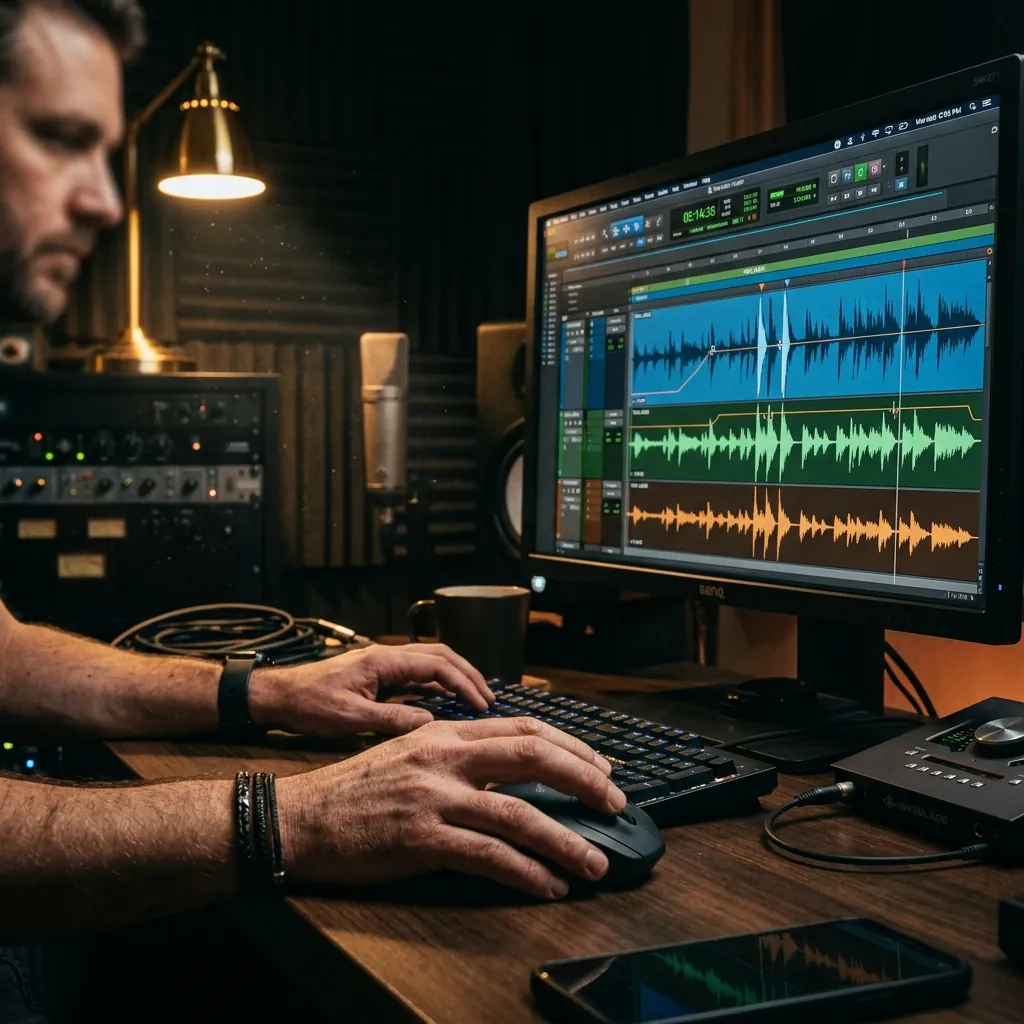
Once you have recorded several takes, the editing phase begins in your DAW.
- Vocal Comping: Listen to all the takes and select the best syllables, words, and phrases, merging them into one "perfect" vocal track. Apply crossfades at every edit point to avoid clicking noises.
- Manual Cleanup: Edit out breaths that are too loud and manually gain down silent sections to remove room noise or computer fan hum.
- Pitch Correction: Apply vocal tuning (Melodyne or Auto-Tune) next. By placing pitch correction before compression, the plugin will receive a clean signal and trace the pitch far more naturally.
3. The Mixing Phase: The Vocal Chain
With a clean, tuned vocal, you can now construct your vocal mixing chain. A vocal chain is a series of plugins arranged in a logical order to shape the tone, control the volume dynamics, and add space.

The Standard Vocal Mixing Chain
- Pro Tip (Serial Compression): Rather than using one compressor to do 6-8 dB of gain reduction, use two. A fast compressor (like an 1176 emulator) catching fast peaks by 2-3 dB, followed by a slower compressor (like an LA-2A emulator) smoothing out the rest by 3-4 dB, results in a much more transparent mix.
4. The Final Blend: Depth and Space
Finally, create auxiliary tracks for Reverb and Delay rather than loading them directly onto the vocal channel. This preserves the dry vocal's transients and gives you complete control over the wet signal's EQ and volume.
Analyze Professional Vocals on Mazmazika
Want to study how professional producers record and mix their vocals? Use Mazmazika's Vocal Remover & Instrumental Isolator to isolate clean vocals from your favorite tracks, letting you hear the exact compression, delays, and reverbs used by the pros. If you're ready to lay down your own tracks, check out our Online Instrument Tuner to get your acoustic instruments in perfect tune!